10 Best AI Tools for YouTube Automation in 2026 (Save 20 Hours Per Week)
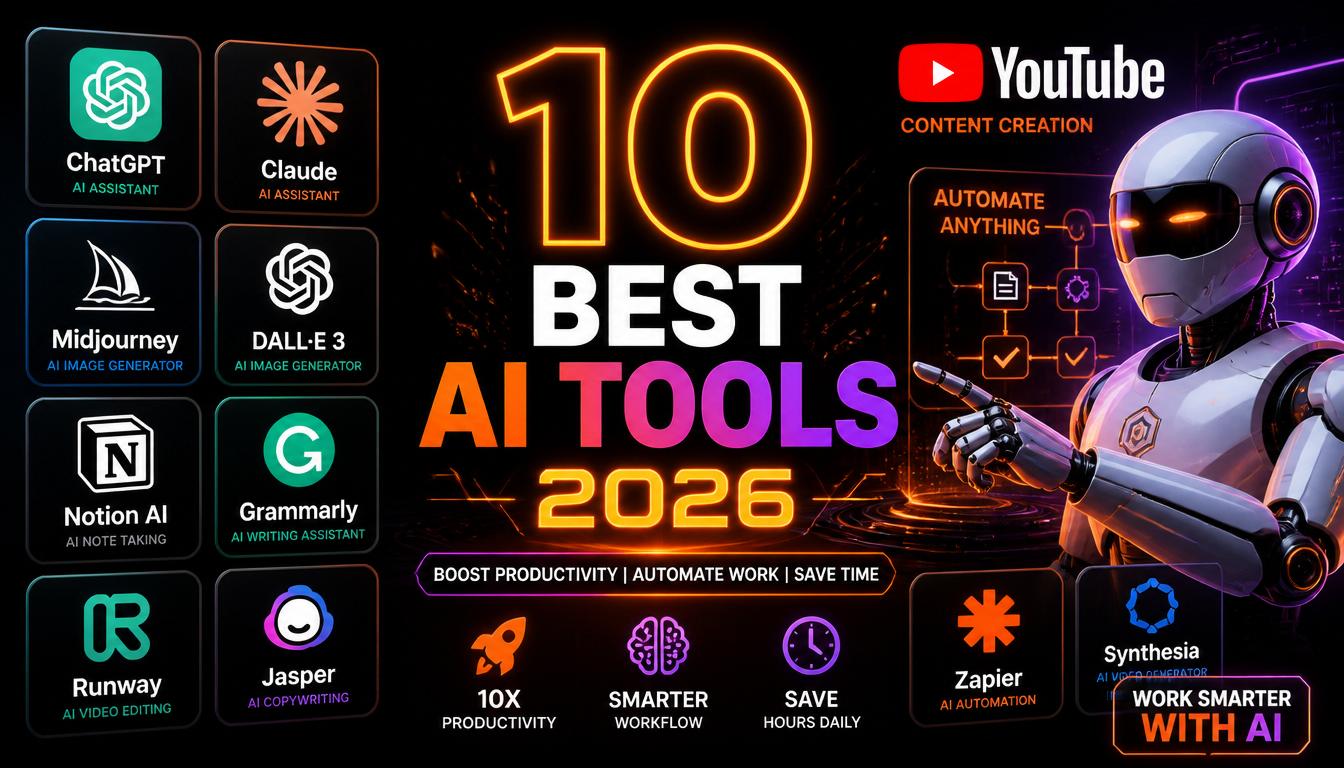
The Best AI Tools for YouTube Automation in 2026
YouTube automation has completely changed in 2026. What used to require a full team of scriptwriters, voiceover artists, video editors, and SEO specialists can now be done by a single person using AI tools. The right combination can save you 15 to 20 hours every single week while producing better content than most human teams.
1. AI Content Studio — Best All-in-One YouTube Automation Tool
Website: aicontentstudio.ink
AI Content Studio is the most important tool in the entire YouTube automation workflow. While every other tool on this list handles one specific part of the content creation process, AI Content Studio handles all of it in one place.
What It Does
Script generation in 30 seconds. Type your video topic, select YouTube as your platform, choose your tone and video length, and click Generate. Within 30 seconds you have a complete professional script with a viral hook, structured content, a strong call to action, and 5 alternative hook variations to test.
AI voiceover in 20 plus languages. After your script is generated, switch to the voiceover tab and select from multiple realistic AI voices. Your professional voiceover is ready in seconds. No recording equipment needed.
Auto-matched stock footage. AI Content Studio analyzes your script keywords and automatically suggests matching stock footage and photos. Instead of spending 45 minutes manually searching Pexels, you get curated recommendations instantly.
SEO keywords and viral hashtags. For every video you get a complete set of YouTube-optimized keywords and platform-specific hashtags ready to paste directly into your upload.
13 platform support. YouTube, TikTok, Instagram Reels, Podcasts, LinkedIn, and 8 more platforms.
The result: a complete video package ready in under 5 minutes. What used to take a full day now takes less time than making a cup of chai.
Price: Free plan available. Paid plans from 750 rupees per month.
Start your free trial at aicontentstudio.ink — no credit card required. Learn how to use these tools to start a faceless YouTube channel from scratch.
If you are comparing AI tools specifically, read our ChatGPT vs AI Content Studio comparison to see how they stack up.
2. VidIQ — Best for YouTube SEO and Keyword Research
VidIQ is the most popular YouTube SEO tool available. It helps you find the right keywords to rank your videos in YouTube search results and get recommended to new viewers.
Key features include keyword research with search volume and competition data, competitor channel analysis, trending topic alerts for your niche, video scorecard showing optimization opportunities, and daily video ideas based on your channel performance.
Price: Free tier available. Paid plans from 700 rupees per month.
3. TubeBuddy — Best for YouTube Channel Management
TubeBuddy is a browser extension that integrates directly into YouTube Studio and helps you optimize every aspect of your channel management.
Key features include A/B testing for thumbnails and titles, bulk processing tools to update descriptions and tags across multiple videos, best time to publish recommendations based on your audience activity, and competitor tag analysis.
The A/B testing feature alone makes TubeBuddy invaluable. Being able to test two different thumbnails and automatically show the winner to more viewers can increase your click through rate by 20 to 40 percent.
Price: Free tier available. Paid plans from 700 rupees per month.
4. ElevenLabs — Best Standalone AI Voiceover Tool
ElevenLabs produces the most realistic AI voices available anywhere in 2026 if you need voiceover as a standalone tool.
Key features include ultra-realistic voice cloning, 29 languages supported, voice library with hundreds of pre-made voices, and emotional range controls for more expressive narration.
The main limitation is that ElevenLabs only handles voiceover. You still need separate tools for scripts, stock footage, keywords, and hashtags. This is why AI Content Studio — which includes voiceover alongside everything else — is a better all-in-one choice for most creators.
Price: Free tier with 10,000 characters per month. Paid plans from 1700 rupees per month.
5. Canva — Best for YouTube Thumbnails
Canva is the most popular design tool for YouTube creators and for good reason. It makes creating professional thumbnails fast and easy even with zero design experience.
A great thumbnail can double or triple your click through rate. Spending 10 to 15 minutes on a Canva thumbnail for every video is one of the highest ROI activities in YouTube automation.
Price: Free tier available. Canva Pro at 4000 rupees per year.
6. Descript — Best for AI Video Editing
Descript is a revolutionary video editing tool that lets you edit video by editing text. Because it transcribes your video automatically, you can delete sections of your video simply by deleting the words in the transcript.
For faceless YouTube creators, Descript dramatically speeds up the editing process. Instead of scrubbing through timelines, you edit your video like a document.
Price: Free tier available. Paid plans from 1000 rupees per month.
7. Pictory — Best for Converting Scripts to Videos
Pictory automatically converts written scripts or blog posts into complete videos with stock footage, captions, and music. For creators who already have scripts ready, Pictory can produce a complete rough cut video in minutes.
Price: Plans from 2500 rupees per month.
8. ChatGPT — Best for Research and Ideation
ChatGPT is useful for YouTube automation primarily in the research and ideation phases. It can help you brainstorm video ideas, research topics, write outlines, and generate title variations.
However ChatGPT is a general purpose tool that requires significant prompting to produce YouTube-specific content. It has no voiceover, no stock footage, no keyword data, and no platform optimization. Use ChatGPT for brainstorming and general writing tasks outside your video workflow.
Price: Free tier available. ChatGPT Plus at 1700 rupees per month.
9. Pexels — Best Free Stock Footage Library
Pexels is the largest free stock footage and photo library available. All content is completely free to use with no watermark and no attribution required.
While AI Content Studio automatically suggests matching stock footage from its integrated library, Pexels is a valuable additional resource when you need specific footage.
Price: Completely free.
10. Morning Fame — Best for YouTube Analytics and Growth Strategy
Morning Fame is a YouTube analytics tool specifically designed for growing channels. Unlike YouTube's built-in analytics, Morning Fame translates data into specific actionable recommendations including video performance grading, keyword opportunity scoring, upload schedule recommendations, and weekly growth reports.
Price: Plans from 500 rupees per month.
The Complete YouTube Automation Stack in 2026
For Solo Creators Who Want Maximum Efficiency
Use AI Content Studio for scripts, voiceover, stock footage, keywords, and hashtags. Use Canva for thumbnails. Use VidIQ for keyword research before choosing topics. Use DaVinci Resolve for final video editing.
Total monthly cost: under 2000 rupees
Time per video: under 2 hours
For Creators Who Want the Most Advanced Setup
Add TubeBuddy for A/B thumbnail testing. Add Descript for faster editing. Add Morning Fame for growth analytics.
Total monthly cost: under 5000 rupees
Time per video: under 90 minutes
The Most Important Insight
The biggest mistake creators make is subscribing to 8 different tools and spending more time managing subscriptions than creating content. Start with AI Content Studio which handles 80 percent of your workflow in one place. Add one or two specialized tools as your channel grows and you identify specific needs.
Start with AI Content Studio's free trial at aicontentstudio.ink. Generate your first complete YouTube video package in 30 seconds.
Frequently Asked Questions
What is the best AI tool for YouTube automation in 2026?
AI Content Studio is the best all-in-one YouTube automation tool in 2026. It handles script generation, AI voiceover, stock footage, SEO keywords, and hashtags in one platform. Start free at aicontentstudio.ink.
Can I automate my entire YouTube channel with AI?
Yes. With AI Content Studio handling content creation and scheduling tools managing uploads, one person can run a fully automated YouTube channel uploading daily content with minimal manual effort.
How much does YouTube automation cost?
You can start for free with AI Content Studio's free trial. A complete professional YouTube automation stack costs between 1500 and 5000 rupees per month depending on which tools you use.